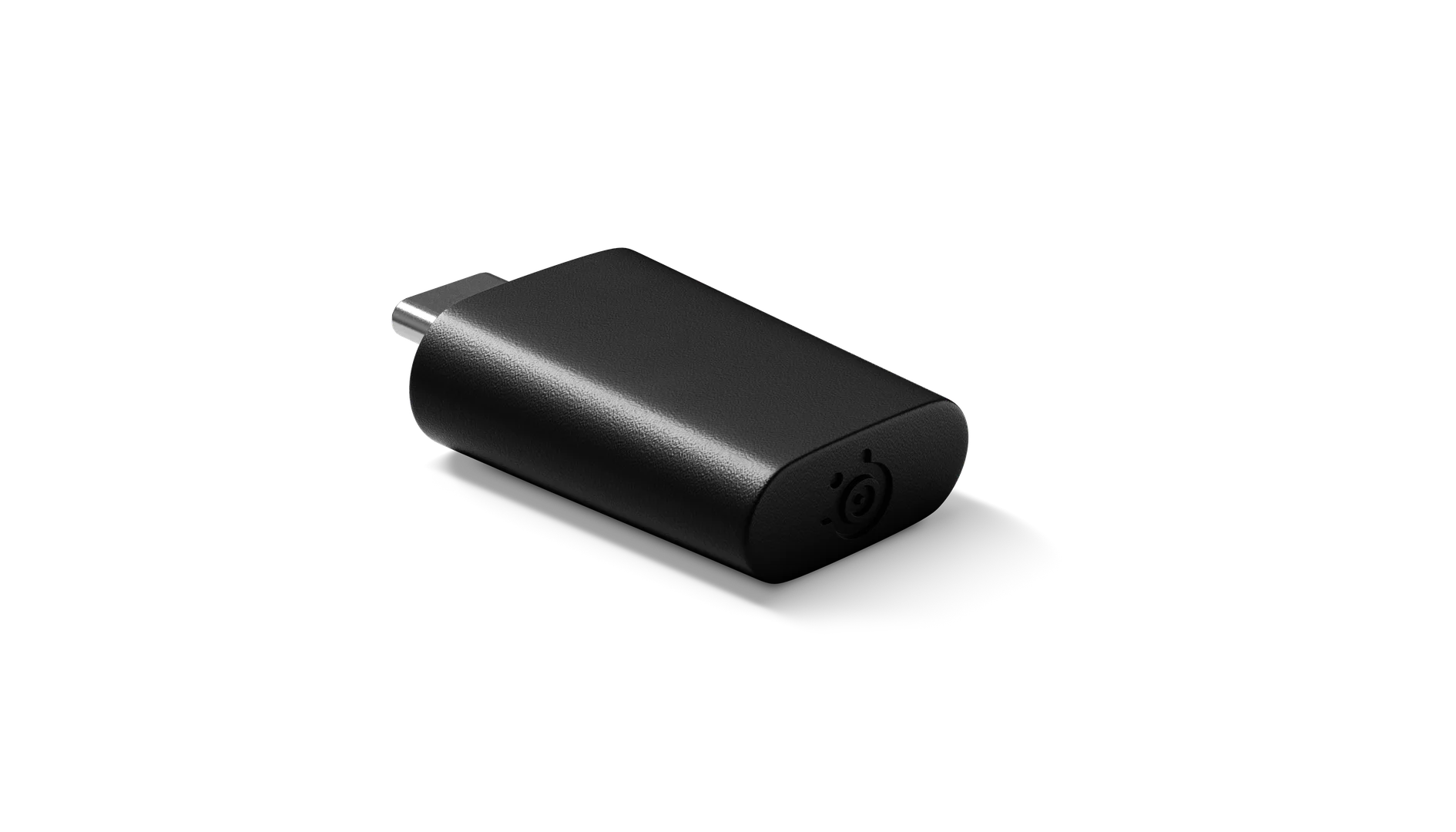
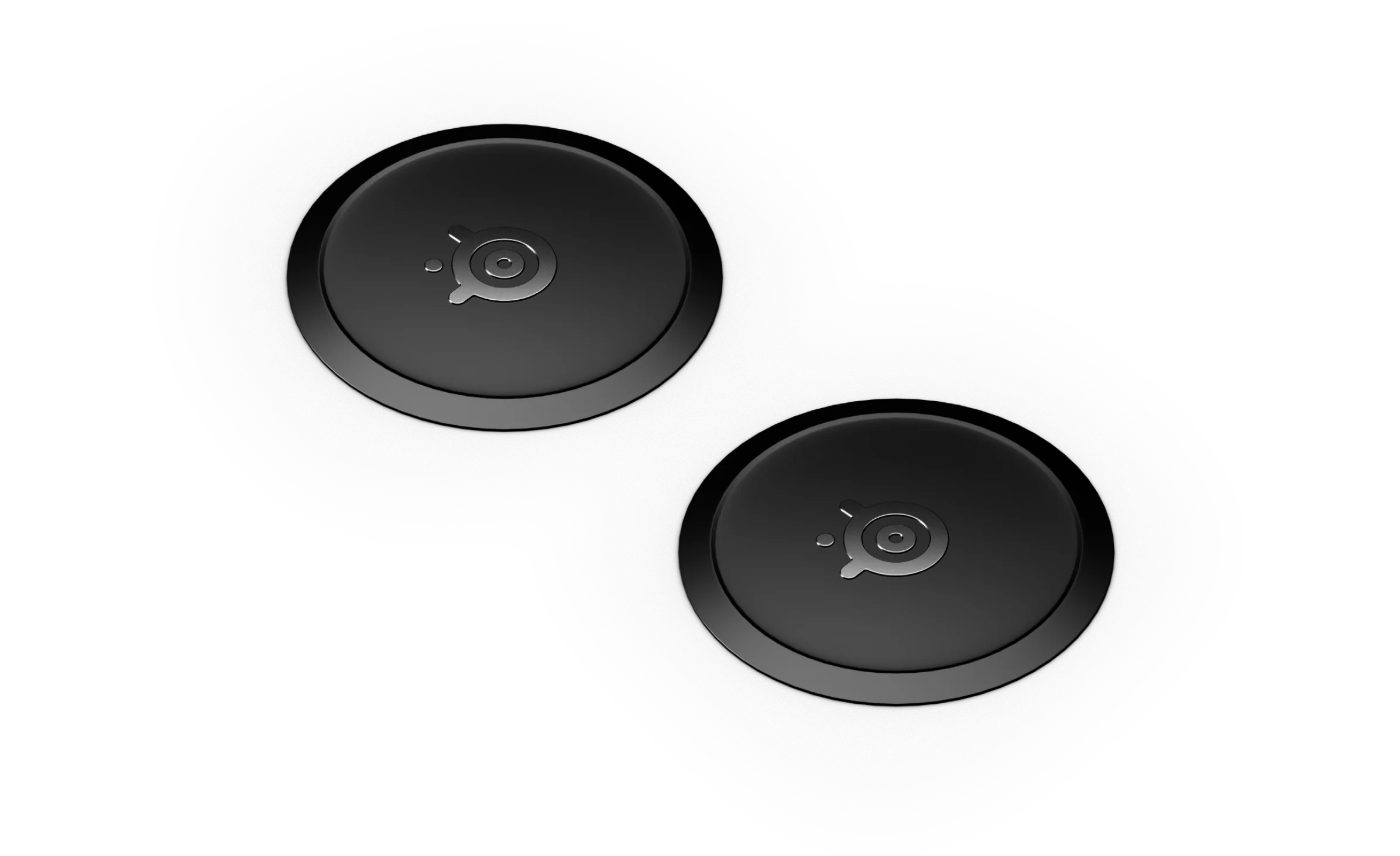
Wireless Extension Adapter
Original price was: $13.99.$4.20Current price is: $4.20.
1000 in stock

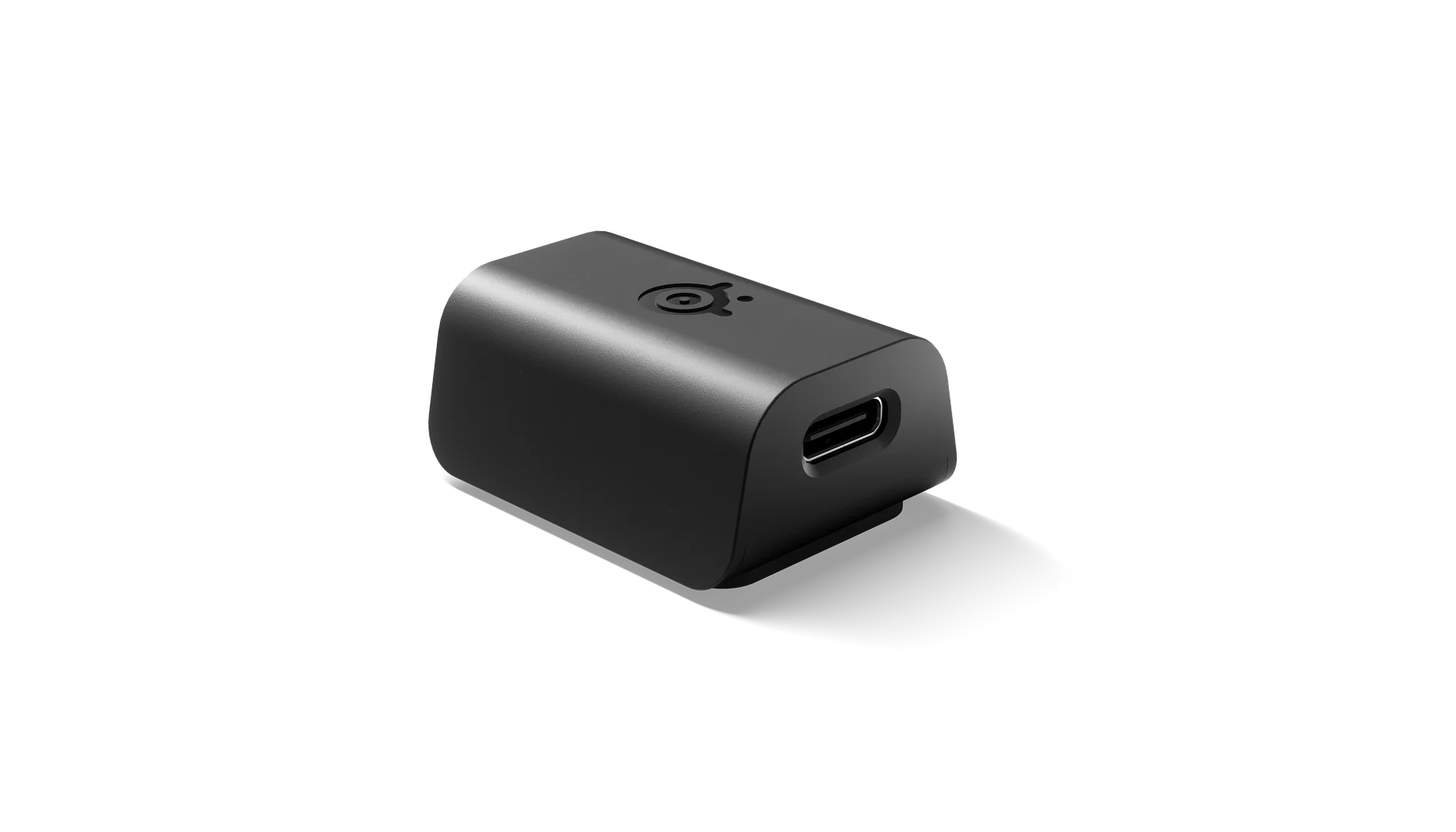
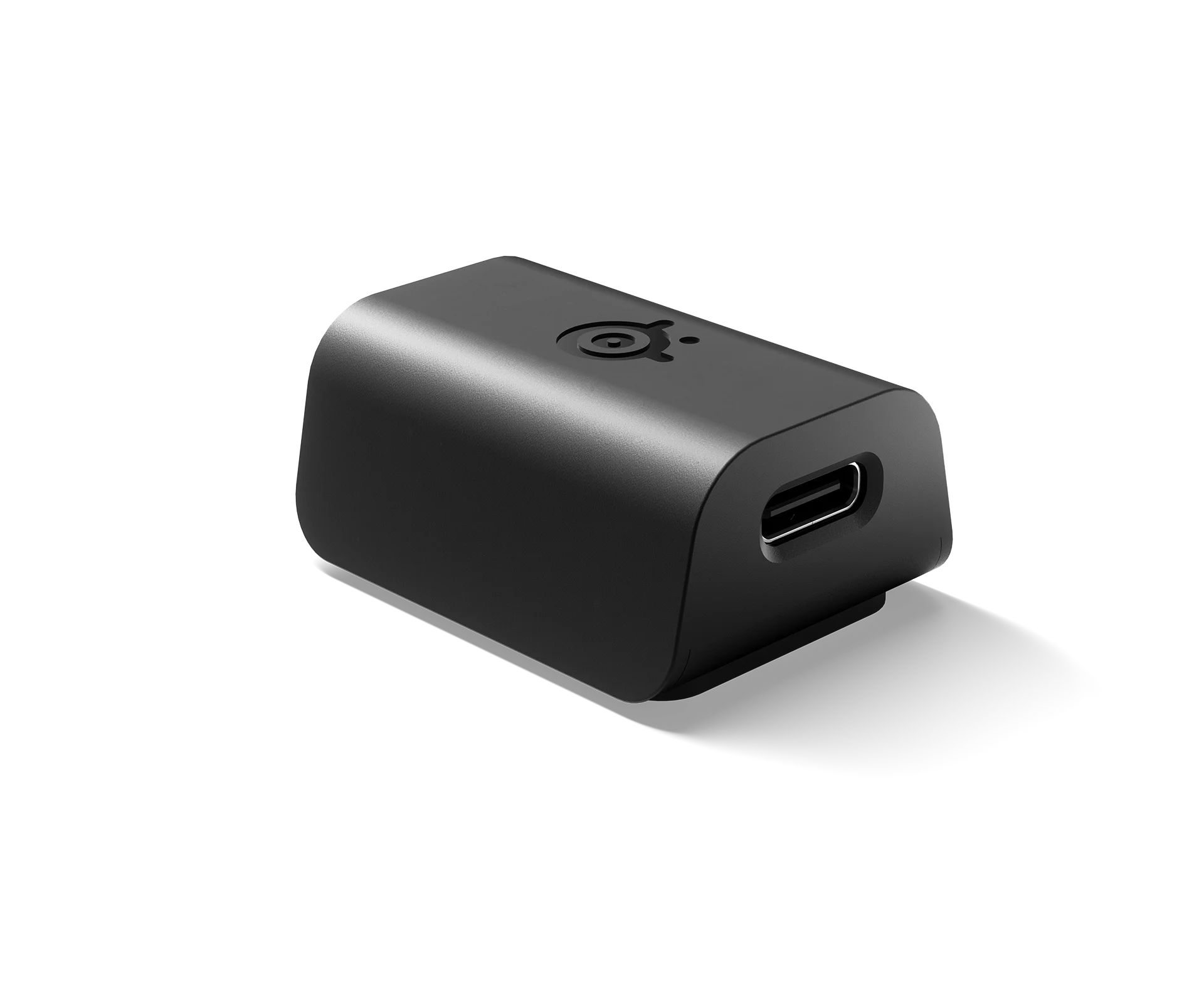
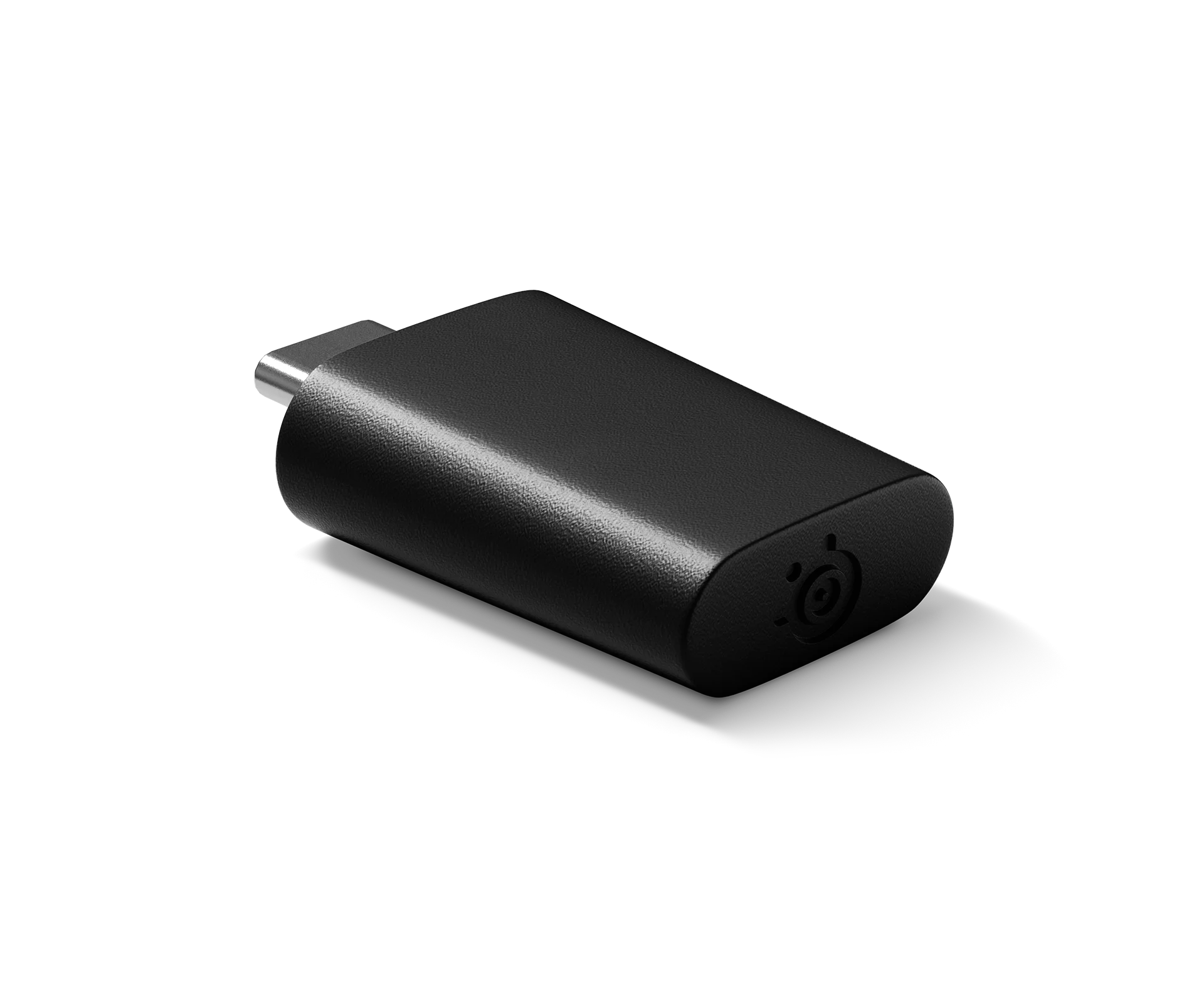
Extend your 2.4GH wireless connectivity with the wireless mouse and keyboard extension adapter.
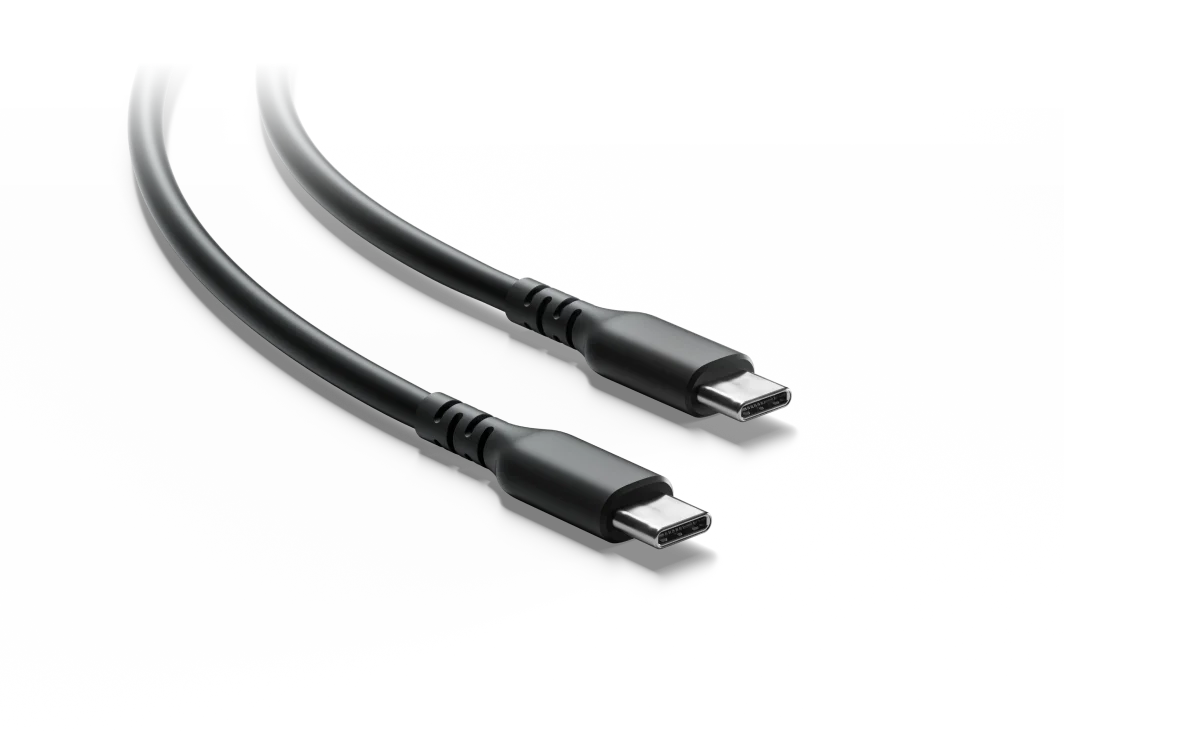
Plug your USB Type-C wireless mouse or keyboard dongle (compatible models listed below) into the extension adapter, then connect to your computer with a USB Type-C to USB Type-A cable.
* Compatible with these wireless mouse dongles:
* Aerox 3 Wireless
* Aerox 3 Wireless (2022)
* Aerox 3 (2022) Custom
* Aerox 5 Wireless
* Aerox 9 Wireless
* Prime Wireless
* Prime Mini Wireless
* Compatible with these wireless keyboard dongles:
* Apex Pro Mini Wireless
* Apex Pro TKL Wireless (2023)
Extend your 2.4GH wireless connectivity with the wireless mouse and keyboard extension adapter.
Plug your USB Type-C wireless mouse or keyboard dongle (compatible models listed below) into the extension adapter, then connect to your computer with a USB Type-C to USB Type-A cable.
* Compatible with these wireless mouse dongles:
* Aerox 3 Wireless
* Aerox 3 Wireless (2022)
* Aerox 3 (2022) Custom
* Aerox 5 Wireless
* Aerox 9 Wireless
* Prime Wireless
* Prime Mini Wireless
* Compatible with these wireless keyboard dongles:
* Apex Pro Mini Wireless
* Apex Pro TKL Wireless (2023)
Be the first to review “Wireless Extension Adapter”
Related products





Reviews
There are no reviews yet.